top of page
How to explicitly consider zeros in an outlier analysis?
In the base settings, the DQ Assistant does not include cells with a "zero" in the outlier calculation. But in some cases, it is relevant to include these cells in the outlier calculation.
The user can turn on the check by clicking Settings -> Outlier -> "Zeros considered":

After having saved the settings changes, the DQ Assistant will adjust the respective outlier calculation:
Analysis with zeros not considered finds three outliers:
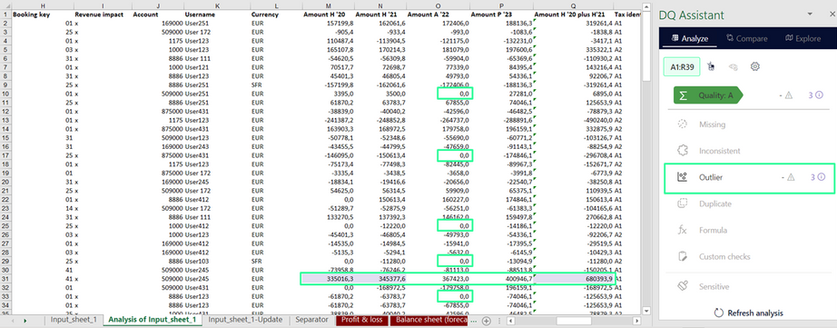
Analysis with zeros considered finds four outliers:

bottom of page